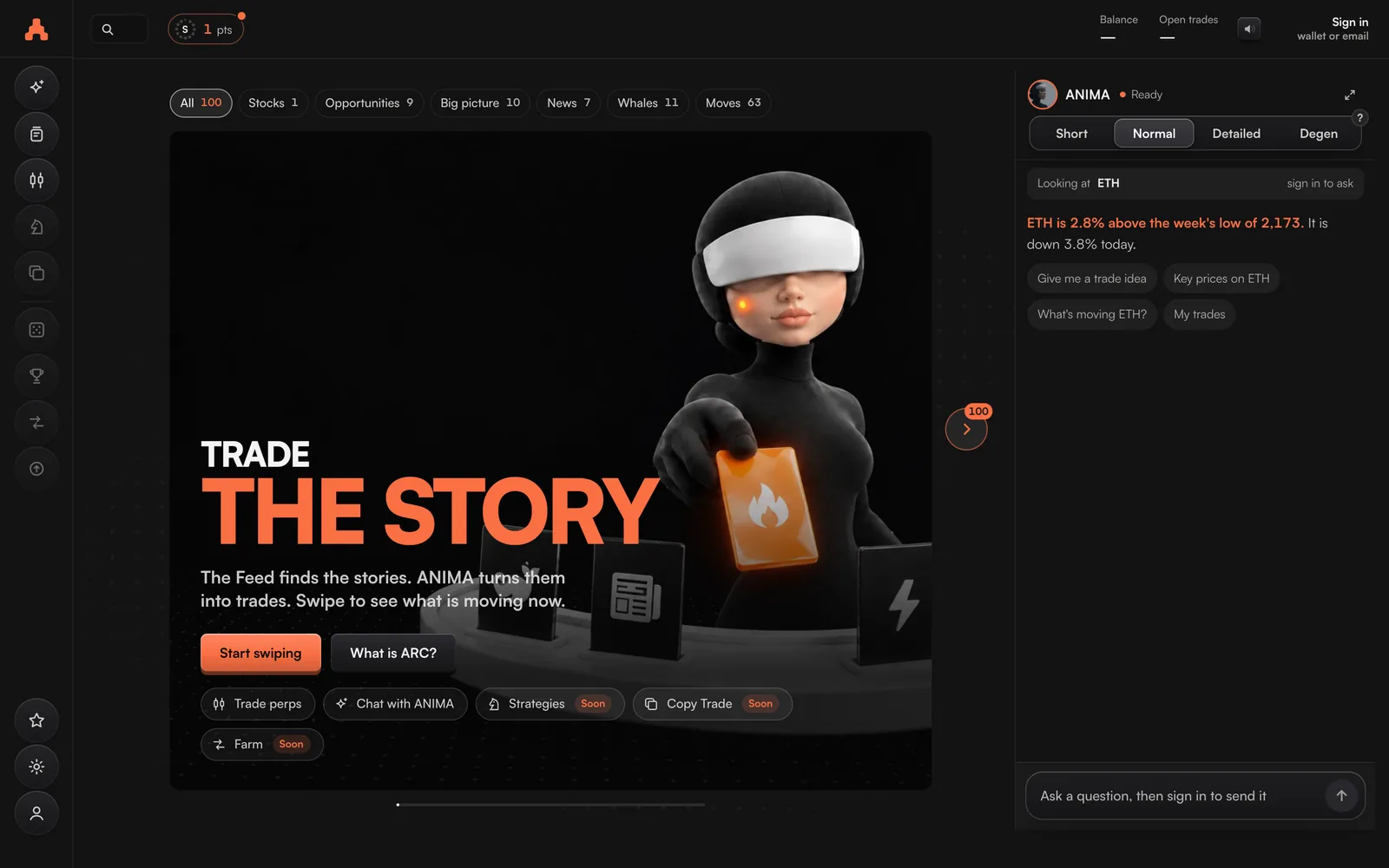
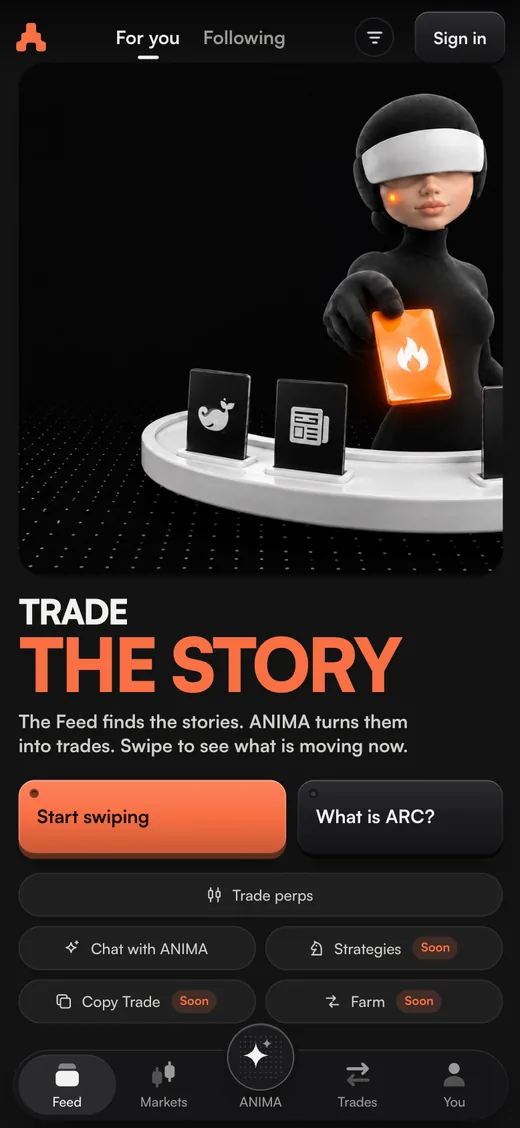
Trade 300 markets, from Bitcoin to stocks and gold, in one app. Here is how ARC works, and how to earn Season 1 points while you trade.
ARC places your trades on your own exchange account, and only when you confirm them. ANIMA, the intelligence inside ARC, reads the market with you and builds trades you can take in one press.
Crypto, stocks, gold and oil, on Hyperliquid.
in USDC, from your wallet on Arbitrum One.
Hyperliquid and Hyperlink, live today.
Then ANIMA keeps answering once your account holds $200.
Start in four steps
- Make your account.Sign in at trade.arcterminal.ai with your wallet or your email.
- Pick your markets.Say what you want to trade and follow a few markets. Your Feed fills with what is moving in them.
- Add money.Send USDC on Arbitrum, $5 or more, onto Hyperlink or Hyperliquid.
- Place your first trade.Press Long or Short on a Feed card, check the stop loss and the size, and confirm. Trades start from $10.
Every step, with the exact buttons, is on Get started.
How ARC works
Where your money sits, what ARC is allowed to do, and why you confirm every trade.
Read itTrading
Trade from a Feed card or the full trading screen, with a stop loss and take profit on every trade.
Read itANIMA
Ask about any market, get a trade idea with its stop and target, or type the trade you want.
Read itCo-pilot
Pick a style and Co-pilot moves your stop loss to break even, trails it and takes profit on each open trade.
Read itDeposits and withdrawals
Add USDC from your wallet or another exchange, and take it out in minutes.
Read itFAQ
Short answers on your money, trading, ANIMA and Season 1 points.
Read itEvery trade you make on ARC earns Season 1 points. Higher tiers earn more, and earlier activity counts for more.
Points come from your real trades, counted on ARC's servers and ranked on a public leaderboard. Read what they are, how to start now, and the rules that keep the leaderboard fair.