Co-pilot looks after a trade once you are in it. Pick a style and it moves your stop loss, takes profit and closes the trade for you, or asks you first.
Co-pilot is the only part of ARC that changes an open trade by itself. It never opens a trade.
Your stop loss follows the price up. Co-pilot moves it for you.
Once a trade is up by as much as it risks, Co-pilot moves your stop loss to break even, so the trade can no longer lose money. Then it trails the stop behind the price and takes profit, in the style you picked.

Pick a style
Every trade can have its own style. Pick one for your new trades on the Co-pilot page, and change it on any trade from that trade's Co-pilot key.

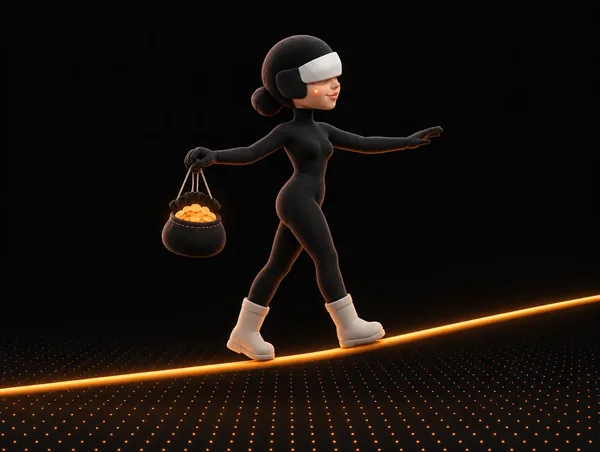


Break even counts your fees. On a short, the trail sits just over the last hourly high. Each style shows that trade's own prices and dollar amounts before you save it.
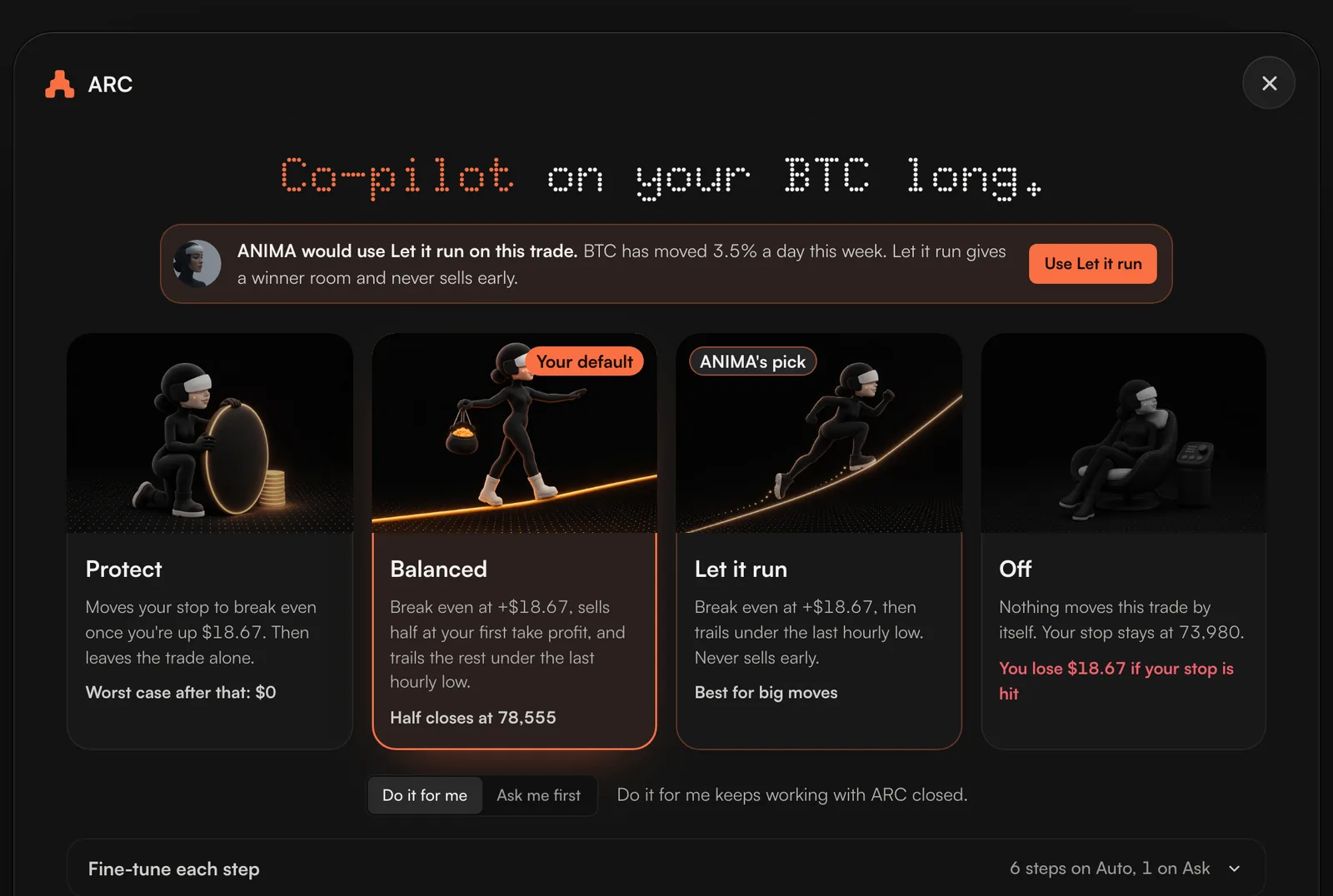
Do it for me, or Ask me first
| Choice | What Co-pilot does |
|---|---|
| Do it for me | Does each step itself, even with ARC closed. The first time, you read Co-pilot's terms and tick the box. |
| Ask me first | Tells you when a step is due and waits for your press. It watches while ARC is open in your browser. |
ANIMA's pick
When you open Co-pilot on a trade, ANIMA may suggest a style and say why. It reads how far that market has moved each day over the last 7 days. A market that swings hard gets Let it run, so a normal swing does not close you out. A quiet one gets Protect. Press Use to take the pick, or choose your own.
Fine-tune each step
A style is a setting of Co-pilot's steps. Open Fine-tune each step in the window to set any step to Auto, Ask or Off on that trade.
| Step | What it does |
|---|---|
| Add a stop loss if there is none | Sets a stop loss just behind the last dip. |
| Stop loss to break even | Moves the stop loss to break even once the trade is up by as much as it risks, or sooner if you set it on the trade. |
| Trail the stop loss | Moves the stop loss just under the last hourly low once the trade is up by the amount set. It only ever moves toward the price. |
| Take half off early | Sells half at the first take profit, unless half is already set to close there on the exchange. |
| Close at the take profit | Closes when the price reaches your target, if no take profit order is set already. |
| Close on a sharp turn | Closes, or asks, when the price turns hard against the trade within minutes. |
| Bank the profit when it fades | When a trade that was well up gives profit back, moves the stop loss so you keep about 60% of your best profit. |
| Close when its idea ends | For a trade opened from a Feed card: closes, or asks, when ARC's checks stop agreeing with the idea. |
Where you find Co-pilot
- The rail.The shield at the bottom of the rail, above Points, opens the Co-pilot page.
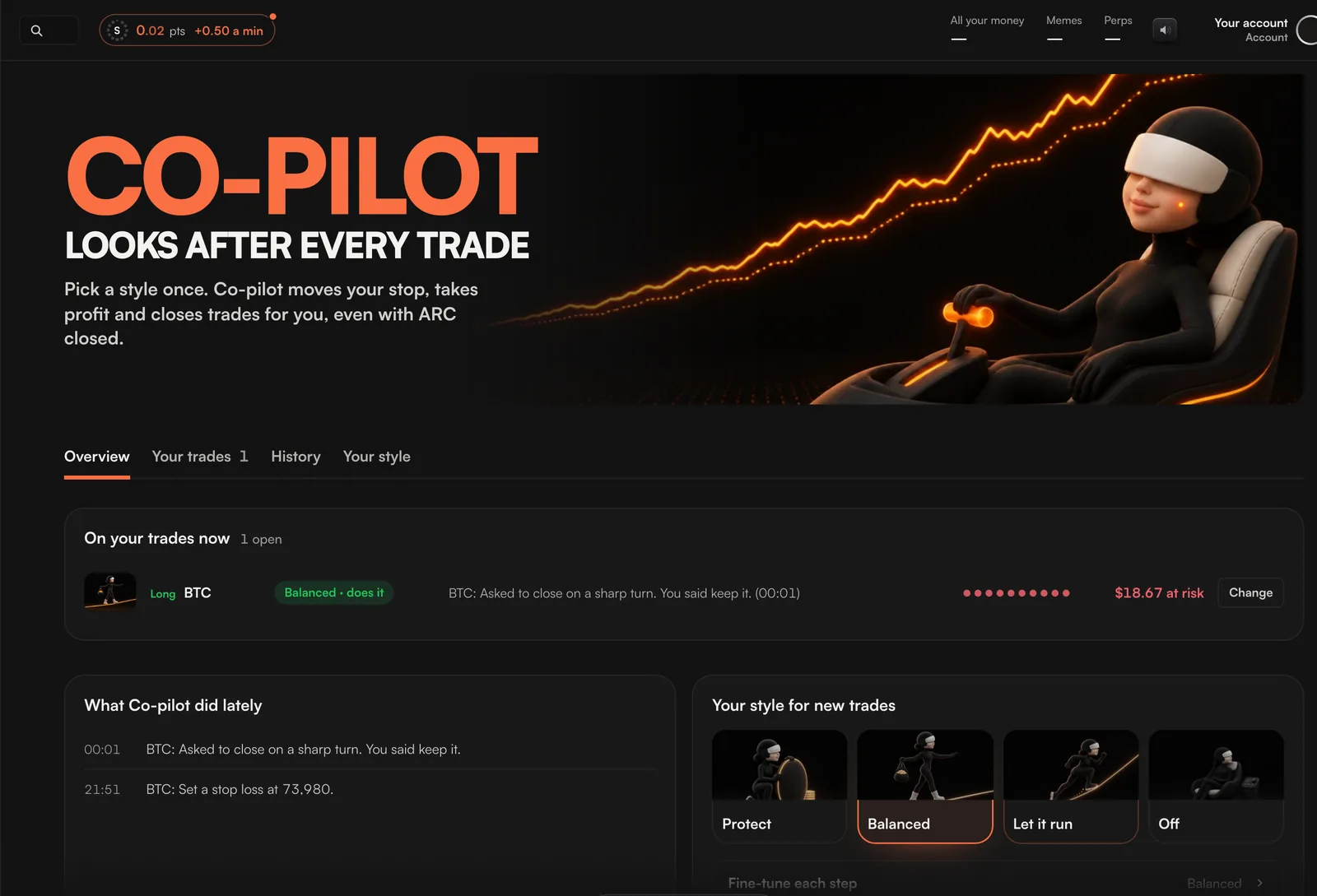
- The Co-pilot page.Four tabs: Overview, Your trades, History and Your style.
- Each trade on Perps.The trade's Co-pilot key shows its style. Press it to open that trade's Co-pilot window.
- When you open a trade.Pick Co-pilot or Solo on the card or the order pop-up.
You manage Co-pilot in two places: a trade's Co-pilot key for that one trade, and the Co-pilot page for all your trades.
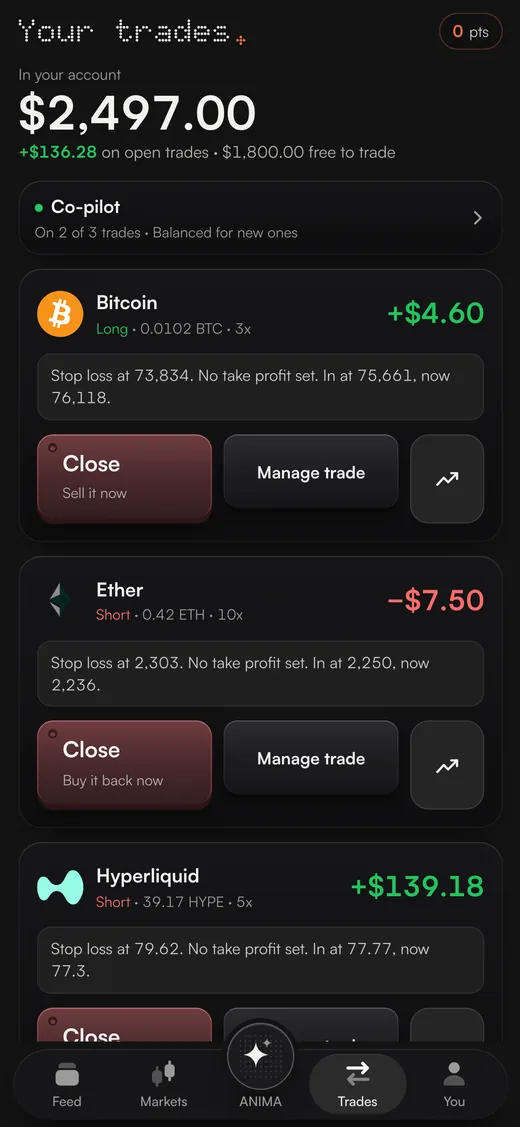
On your phone
Co-pilot sits as a row at the top of Trades and first under You. It opens the Co-pilot page.
A trade's Co-pilot window opens as a sheet from the bottom of the screen, with Save and Turn off in reach of your thumb.
Turn it off
- On one trade: press Turn off on this trade in its window.
- On every trade: press Turn off on all trades on the Co-pilot page.
Turning Co-pilot off is never blocked and needs no tick. Off means nothing moves the trade by itself.
What Co-pilot shows you
- What it did on each trade, with the time: a stop loss set or moved, a trade trimmed or closed, a question it asked and your answer.
- How much of each open trade is safe, and how much is still at risk.
- Which trades it is on, and in which style.
Your history starts from when Co-pilot first looked after a trade of yours, not from today.
The old account rules are gone
ARC used to have switches that acted on every trade on your account: break even and trail the stop on the position card, and an Auto-rules section in Settings. They are switched off and cannot be turned back on. Co-pilot on each trade does this now, and a trade with Co-pilot off is left alone.