From sign-in to your first trade in about five minutes. You need a wallet or an email, and $10 in USDC.
Your first trade also starts your Season 1 points, and earlier activity in Season 1 counts for more.
1. Sign in
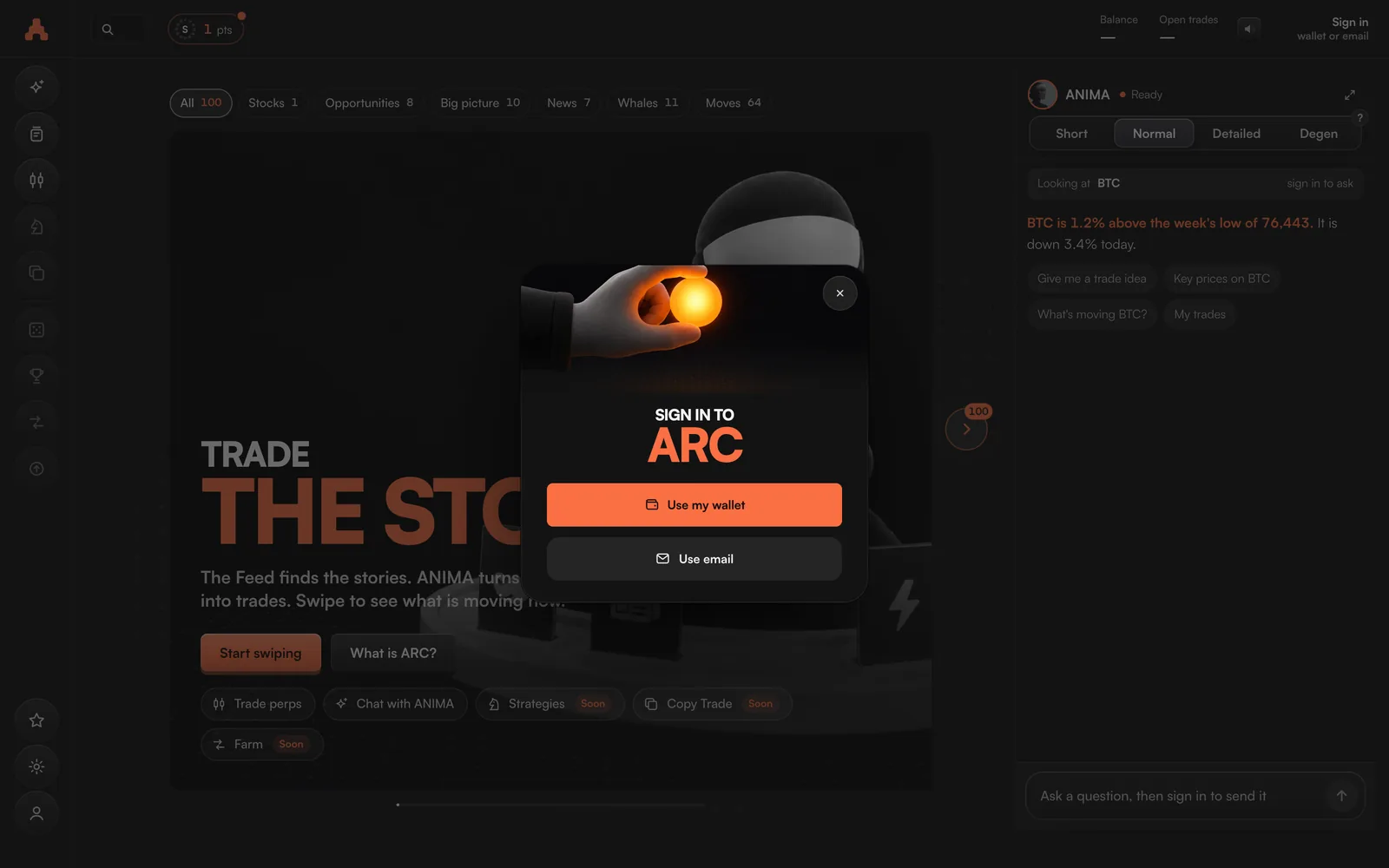
- Go to trade.arcterminal.ai.It works in any browser, on a computer or a phone. There is nothing to install.
- Choose Use my wallet or Use email.An email sign-in comes with its own wallet, so you can trade without one of your own.
- Answer What do you want to trade?Then Pick a few to follow. Your Feed shows what is moving in these markets first.
- Read Three things to know.Press I understand and agree to accept the agreement.
- Answer Where do you want to trade?Pick Hyperlink or Hyperliquid. Each shows what $1,000 traded costs there, and the cheaper one is marked Lowest fee.
2. Add money
Open the account menu and press Deposit. You can add money two ways:
- From my wallet. ARC shows how much USDC on Arbitrum your wallet holds and moves it in with one press.
- From an exchange or another wallet. Send USDC on the Arbitrum One network to the address ARC shows you. USDC sent on another network does not arrive.
MinimumSend at least $5. Your first trade can start from $10.
More on Deposits and withdrawals.
3. Approve ARC
Press Approve ARC and sign twice in your wallet. Both signatures are free. They let ARC place the trades you confirm. Hyperliquid does not let ARC withdraw or send your money. What the approval allows.
4. Place your first trade
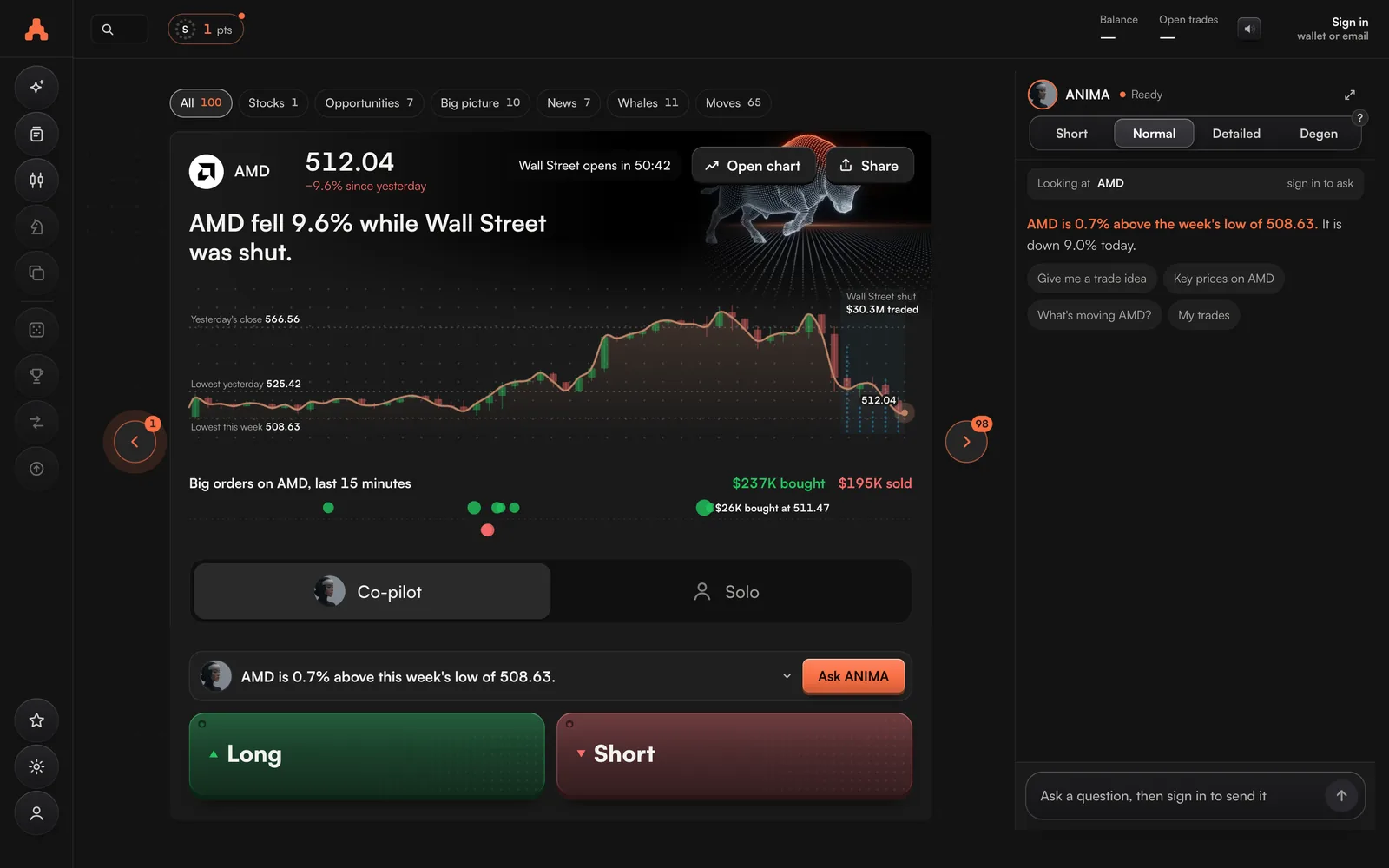
- Find a market.Open the Feed and pick a card, or open Perps for the full trading screen.
- Press Long or Short.Long is a bet that the price goes higher; Short is a bet that it goes lower.
- Set how much and the leverage.You put in starts at 10% of your account. Leverage starts at 5×.
- Choose Co-pilot or Solo.Co-pilot looks after the trade once it is open. Solo leaves it to you.
- Confirm.Press the button, such as Open Long BTC. If the stop loss could lose more than 10% of your account, ARC asks you once more.
Then
- Get trade alerts on Telegram from Settings → Telegram alerts. See Alerts.
- Ask ANIMA what is moving: ANIMA.
- Start earning Season 1 points: How to contribute early.