Get your RiseX account inside ARC. Three steps, done once, and you never leave ARC.
RiseX only lets in wallets with an invite. ARC sends its own invite for you, then you deposit and let ARC trade there.
Watch the three steps
The steps in words
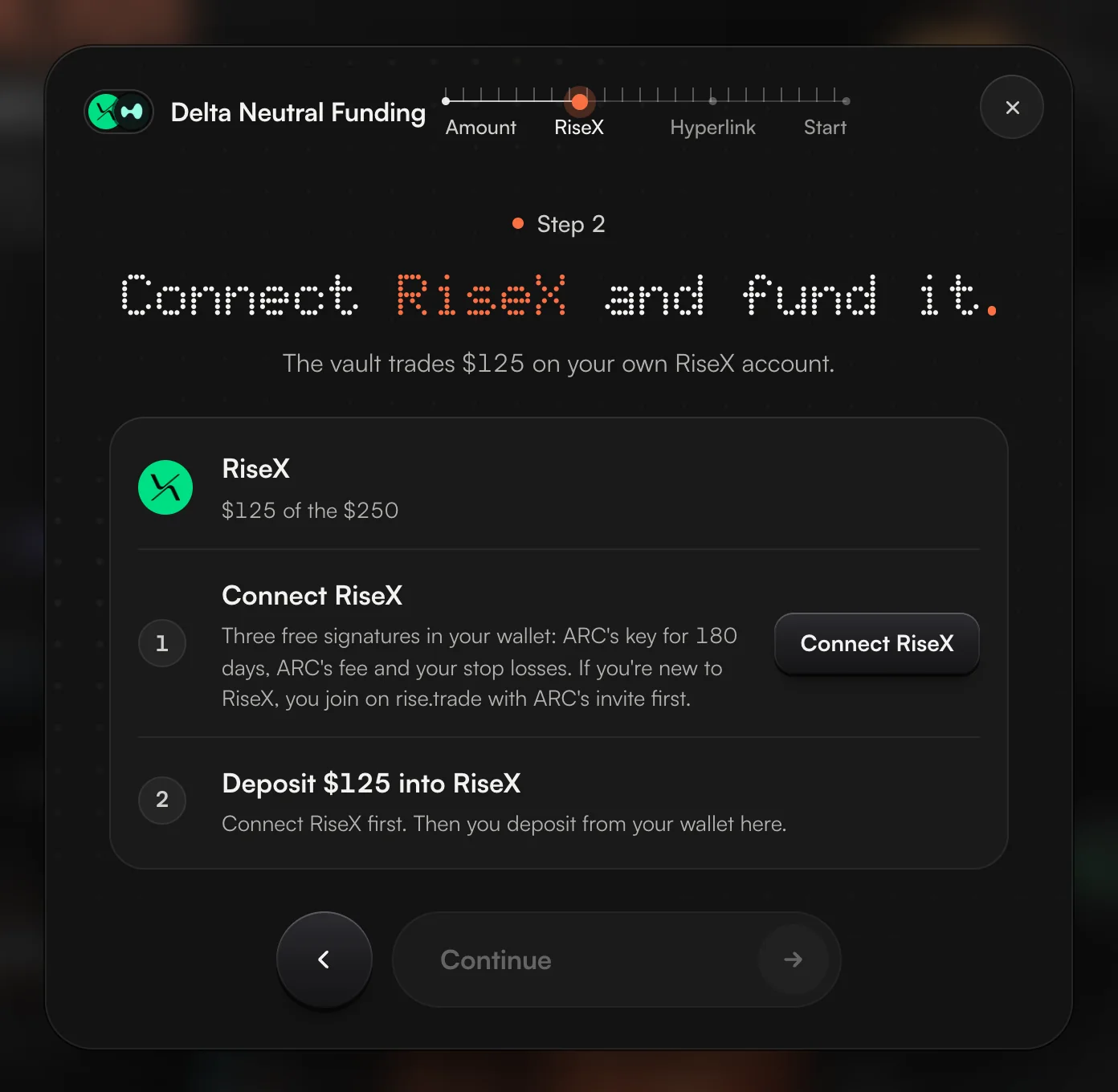
- Open the RiseX windowOn Farm, press a RiseX strategy, then Connect RiseX. You can also open Your exchanges from your account menu and pick RiseX.
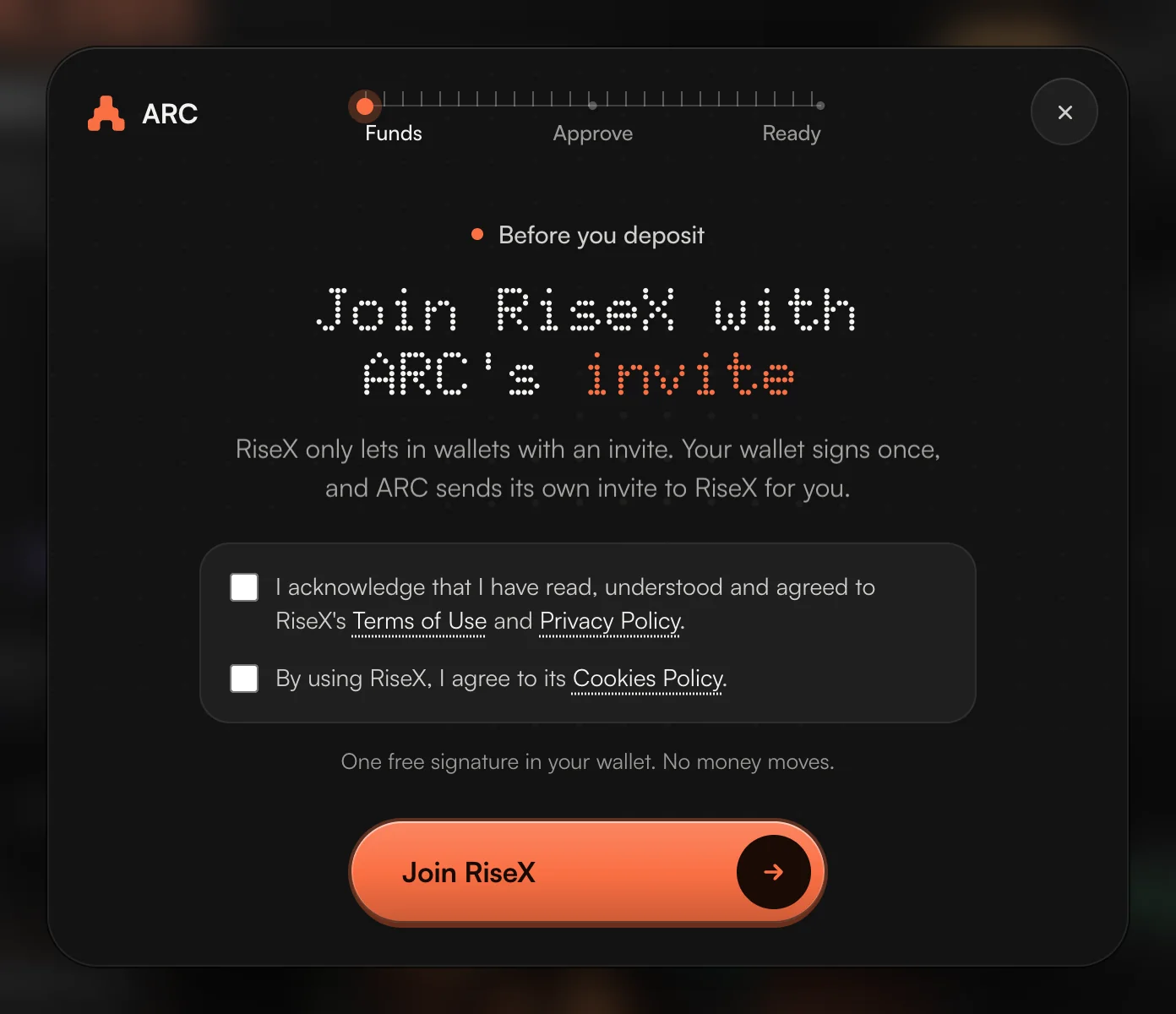
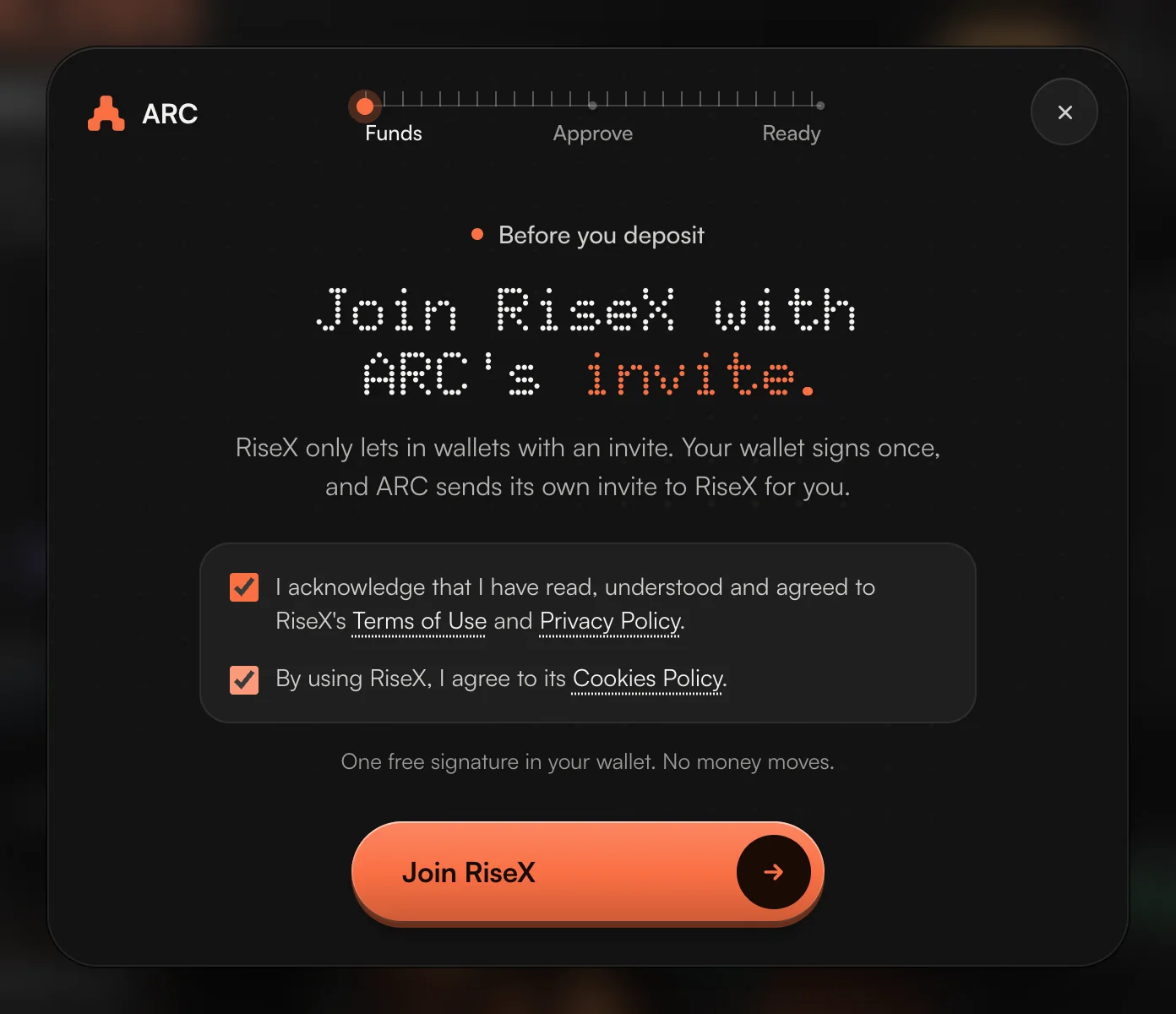
- Join RiseX with ARC's inviteTick RiseX's two boxes and press Join RiseX. Your wallet signs once, for free. If RiseX already knows your wallet, you only accept its terms.
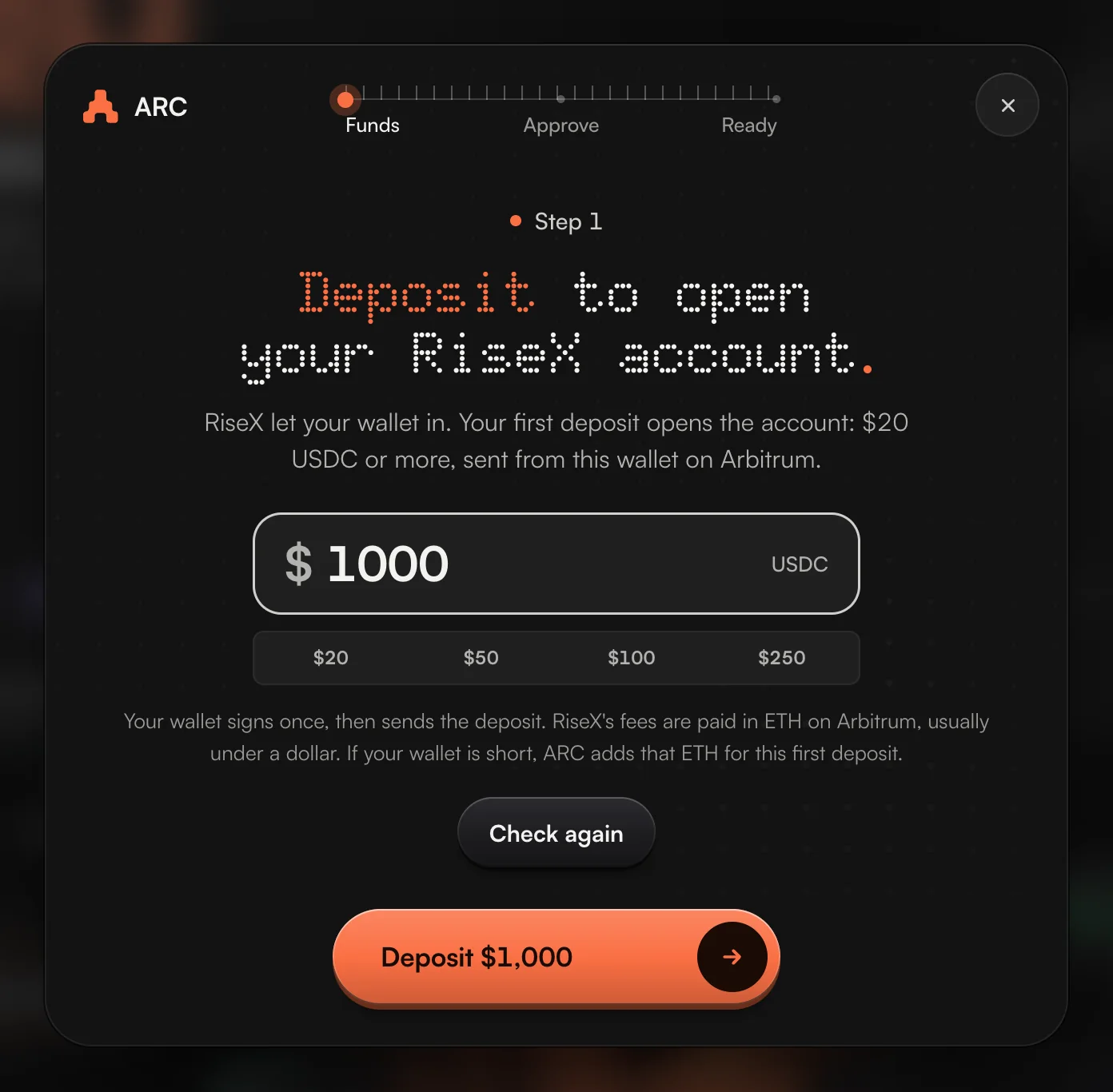
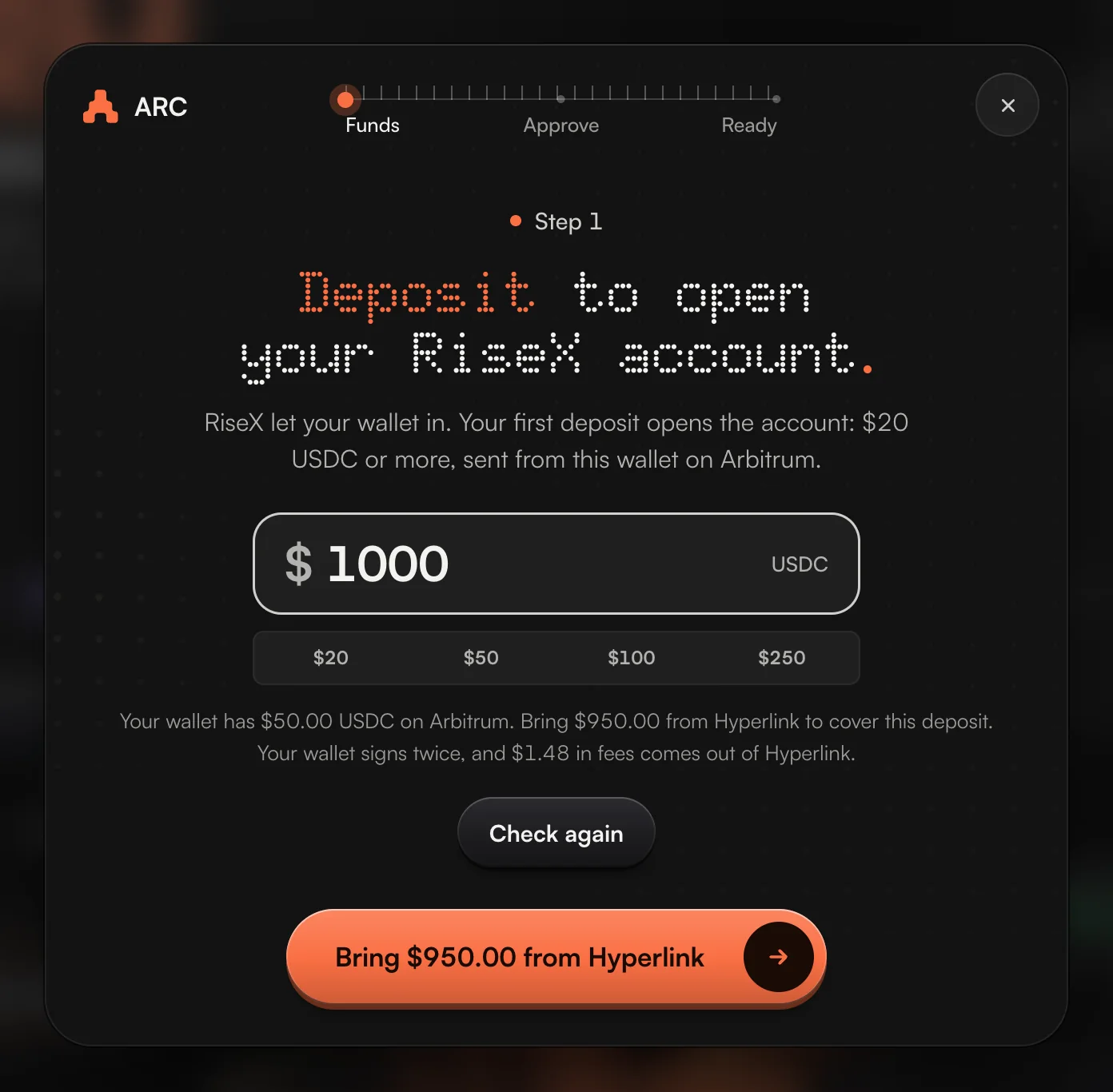
- DepositType an amount, $20 or more, and press Deposit. The USDC comes from your wallet on Arbitrum. It shows on RiseX in 3 to 5 minutes, and that first deposit opens your account.
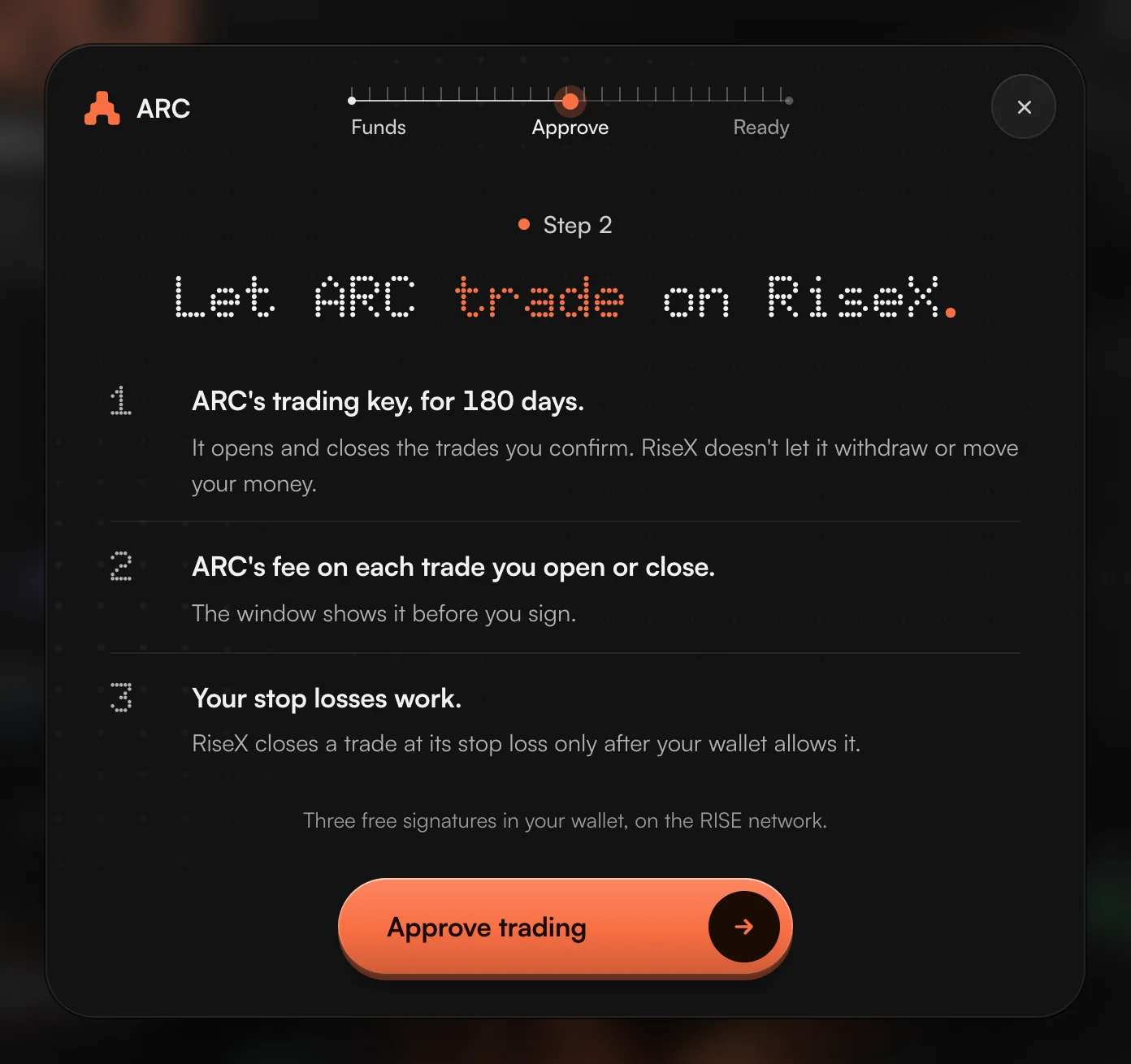
- Approve tradingPress Approve trading and sign three times: ARC's key for 180 days, ARC's fee, and your stop losses. All three are free.
Where the deposit comes from
| Your money is | What the key under the amount says | What happens |
|---|---|---|
| USDC in your ARC wallet on Arbitrum | Deposit $400 | One signature, and the deposit goes to RiseX. |
| On Hyperlink or Hyperliquid | Bring $X from Hyperlink | ARC moves what is short to your wallet first, then the key reads Deposit. |
| On another exchange, or a wallet outside ARC | Add USDC | ARC shows your wallet's address and QR code. Send USDC there on Arbitrum One, come back, and press Check again. |
Three traders, three ways in
Ana has $450 USDC in an ARC wallet and wants the robot.
Ana presses Lean + Volume Bot, then Connect RiseX, joins with ARC's invite, types $450, presses Deposit and waits 4 minutes. Three signatures approve trading. Back on the robot, the amount slider stops at $450, the balance on Ana's RiseX account. Total time: about 6 minutes.
Ben's money is on Hyperlink, and the wallet is empty.
Ben joins RiseX and types $300. The key reads Bring $300 from Hyperlink. One press moves the money to the wallet, and the key now reads Deposit $300. ARC adds the ETH an empty wallet needs for this first deposit.
Cara holds USDC on a centralised exchange.
The key reads Add USDC. Cara copies the wallet's address, withdraws USDC from the exchange on Arbitrum One, and presses Check again when it lands. Then Cara deposits.
The names are examples. Next: Guide 2, start the robot, or Guide 3, Delta Neutral Funding.