Ten things you can use today. Five more are on the way, and each one shows in the app as Coming soon.
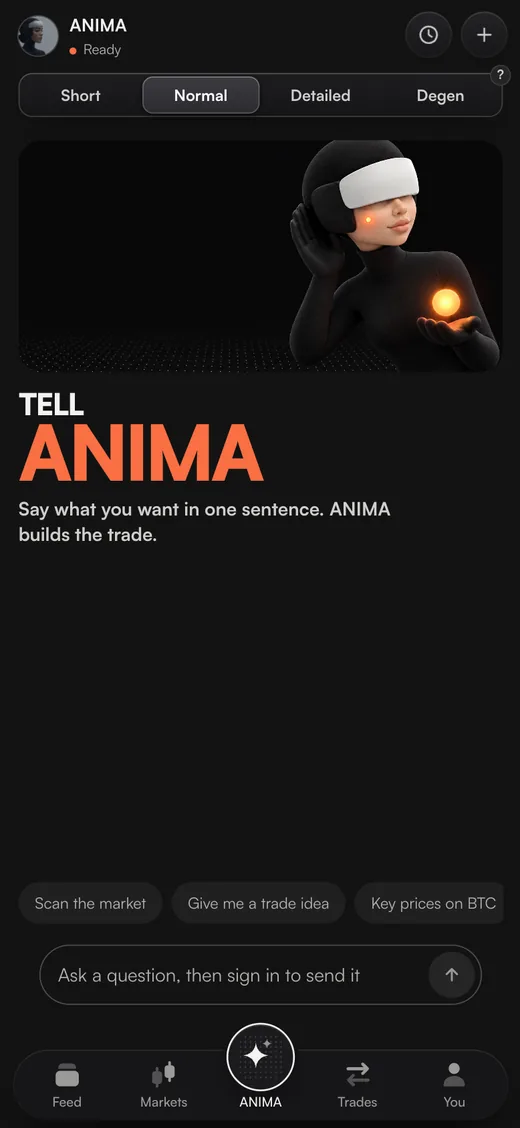
On a computer, every feature is in the bar down the left of ARC. On a phone, the bar at the bottom holds Feed, Markets, ANIMA, Trades and You.
Feed
One card at a time, each about something happening in the market right now, with Long and Short on it.
Perps
The full trading screen: chart, order book, every order type, Simple or Pro.
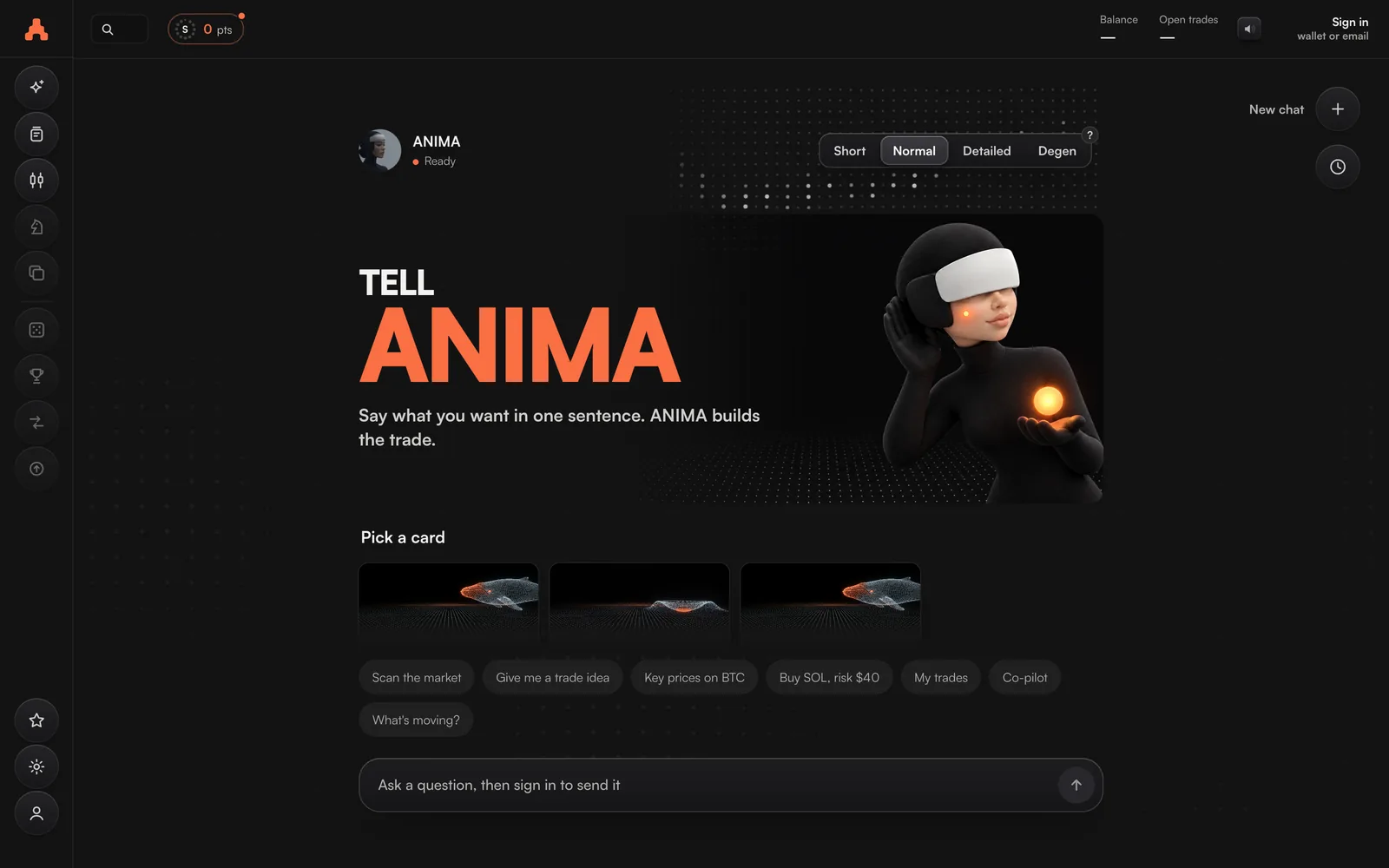
ANIMA
Ask about any market, scan for moves, and get trade ideas with a stop loss and target on them.
Co-pilot
Looks after each open trade in the style you pick: moves your stop loss to break even, trails it, takes profit.
Points
Your Season 1 total climbing live, your tier, your gifts and the leaderboard.
Profile
Your trading record and trophies, under your ARC name.
Settings
Your exchanges, trading access, trade defaults, sound, language and dark or light.
Telegram alerts
Messages from ARC about your trades, straight to Telegram.
Farm
ARC runs one strategy on your own RiseX account, and RiseX pays points for its trades and positions. Step-by-step guides inside.
Deposits and withdrawals
Add USDC on Arbitrum and take it out to your wallet or another exchange.
Feed
The Feed is where most trades on ARC start. Each card is one thing happening now: a big move, a whale's position, liquidations, news, a post on X, a setup, or a level the price is close to.
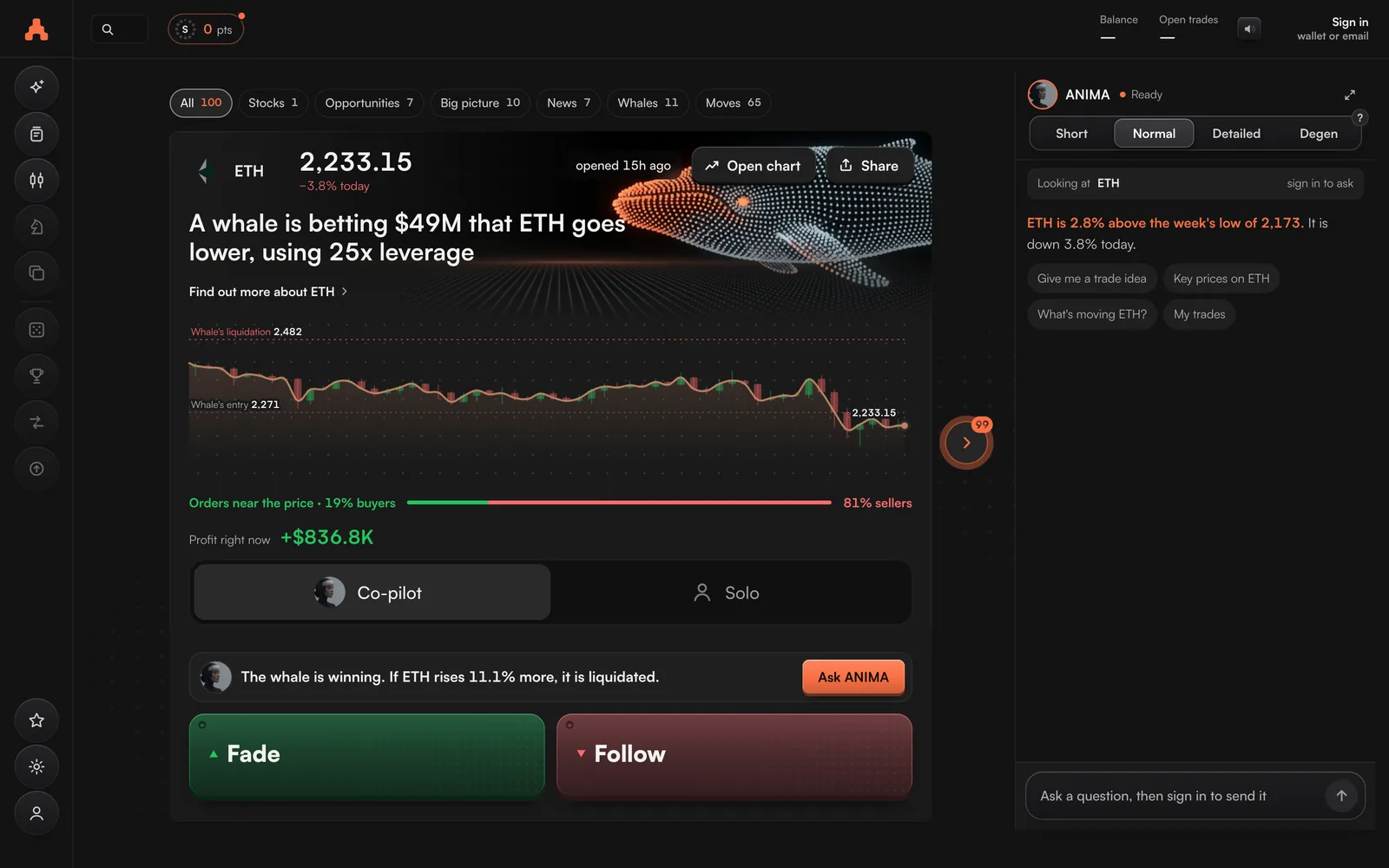
- Filter it with the chips at the top: All, Stocks, Gold and oil, Yours, Opportunities, Big picture, News, On X, Whales, Traders, Liquidations, Setups and Moves. A filter shows only when it has cards.
- Trade from a card with Long or Short. On a whale's card the buttons are Follow and Fade: trade the same way as the whale, or against it.
- Open ANIMA's read on a card to see what it means before you decide.
Signed out, you can see the first 3 cards. Sign in to see the rest.
Profile
Your Profile shows your trading record and trophies under your ARC name, the same name the Points leaderboard uses. Open it from the bar, or from You → Your record on a phone.
Settings
Settings holds: Your exchanges, Trading access, Trade defaults, Your day, Telegram alerts, Sound, Fees, Record and downloads, Dark or light and Language.
The account menu, top right, has the shortcuts: Deposit, Withdraw, Wallet, Exchanges, Trading access, Points, Settings, Dark or light, Language and Sign out.
Telegram alerts
- Open Settings → Telegram alerts and press Connect Telegram.
- Press Open Telegram, or scan the code with your phone.The link works once, for 15 minutes.
- Press Start in the chat with ARC's bot.
- Type the code the bot gives you back into ARC.Your alerts are on.
These five are coming soon. Each one is already in the app, marked Soon.
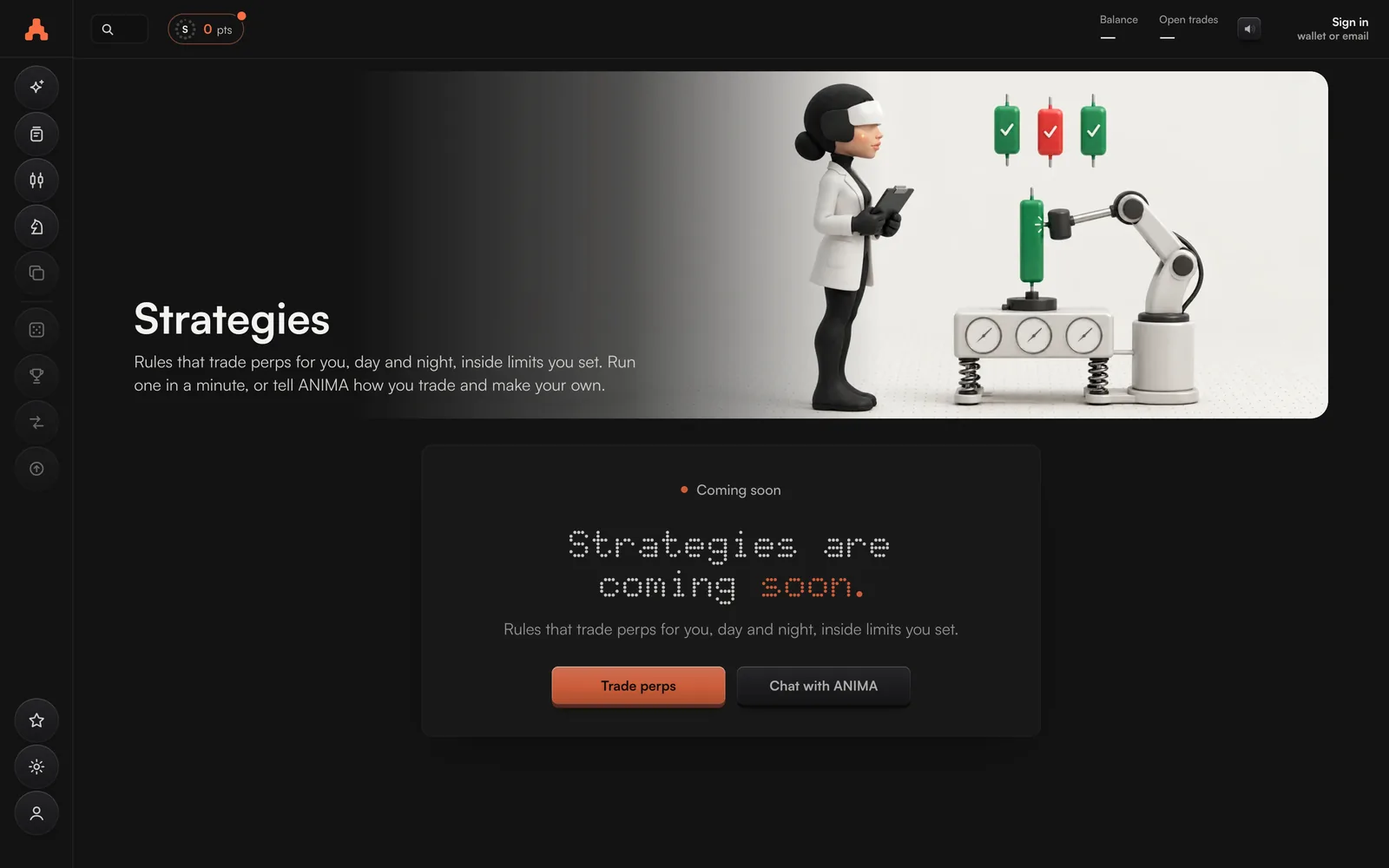
They open on ARC first, and are announced on X at @TheARCTERMINAL.
Strategies
Rules that trade for you.
Copy Trade
Copy top traders with your own money.
Earn
Interest on money you are not trading with.
The League
One match a day against another trader.
The Arena
Trading games played with play money.