ARC trades on your own exchange account. Nothing is traded until you confirm it, and only you can take money out.
ARC is the app you trade from: the markets, the Feed, ANIMA and the order screen. Your money and your positions sit on the exchange, not with ARC.
Signs for you
You sign in with it, approve ARC with it, and withdrawals come back to it.
Holds your money
Hyperliquid or Hyperlink keeps your USDC and your open positions, and fills your orders.
Builds and sends orders
Shows you the market, builds each trade, and sends it to the exchange when you confirm.
Approving ARC to trade for you
Before your first trade, ARC asks you to Approve ARC. That is two free signatures from your wallet: one for ARC's trading key and one for the most ARC may charge as its fee. Your account needs money on it first.
| ARC's trading key can | Hyperliquid won't let it |
|---|---|
| Place the trades you confirm | Withdraw or send your money anywhere |
| Close trades, cancel orders and move stop losses | Move money between your accounts |
You can stop ARC's access at any time from Trading access in the account menu.
You confirm every trade
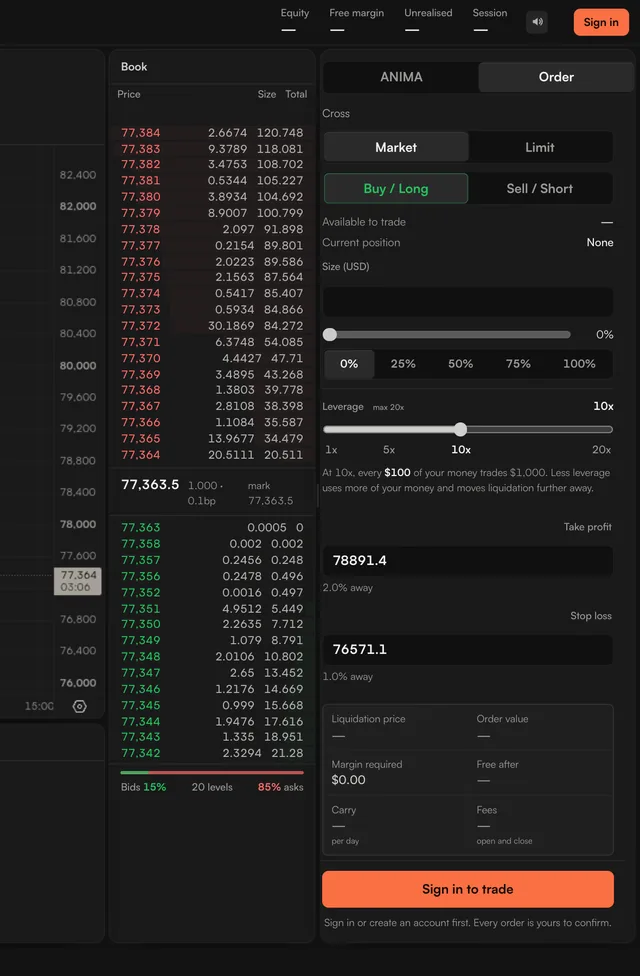
ARC never places a trade you have not confirmed. A Feed card, an idea from ANIMA and the order screen all end on a button you press, such as Open Long BTC. ANIMA can propose a trade, but it cannot open one by itself.
Co-pilot looks after trades you have already opened. You pick a style for each trade: on Do it for me it moves your stop loss and takes profit by itself, on Ask me first it waits for your press. It is the only part of ARC that changes an open trade by itself, and it never opens one. See Co-pilot.
Closing is never blocked. You can close a trade, cancel an order, move your stop loss or withdraw at any time.
Where your money sits
- On Hyperliquid, your money is in your own Hyperliquid account, under your wallet.
- On Hyperlink, a prime broker on Hyperliquid, your money is held by Hyperlink Prime Broker, and only your signature takes it out.
- ARC does not hold your funds and cannot withdraw them, on either exchange.
Exchanges
| Exchange | What it is | Status |
|---|---|---|
| Hyperlink | A prime broker on Hyperliquid. You move your USDC into Hyperlink, and ARC marks it Lowest fee. | Live |
| Hyperliquid | Trade from your own Hyperliquid account. | Live |
| edgeX, Ostium, TxFlow, Lighter | Listed in the app under Exchanges. | Coming soon |
When you pick where to trade, ARC shows what a trade costs on each exchange, all fees included.
Points, counted on the server
Every Season 1 point is counted by ARC's servers from the exchange's own record of your trades, never from your browser. That is why the leaderboard can be trusted. See How points work.