Start ARC's robot on your RiseX account. Four steps: Amount, Key, Fee, Start.
The robot trades Bitcoin on your RiseX account for the volume RiseX pays points on. It costs fees to run and is not a way to make money. Over time, expect it to cost you money, not earn it.
Watch the four steps
Before this, you need a RiseX account with $400 or more on it. No account yet? Do Guide 1 first.
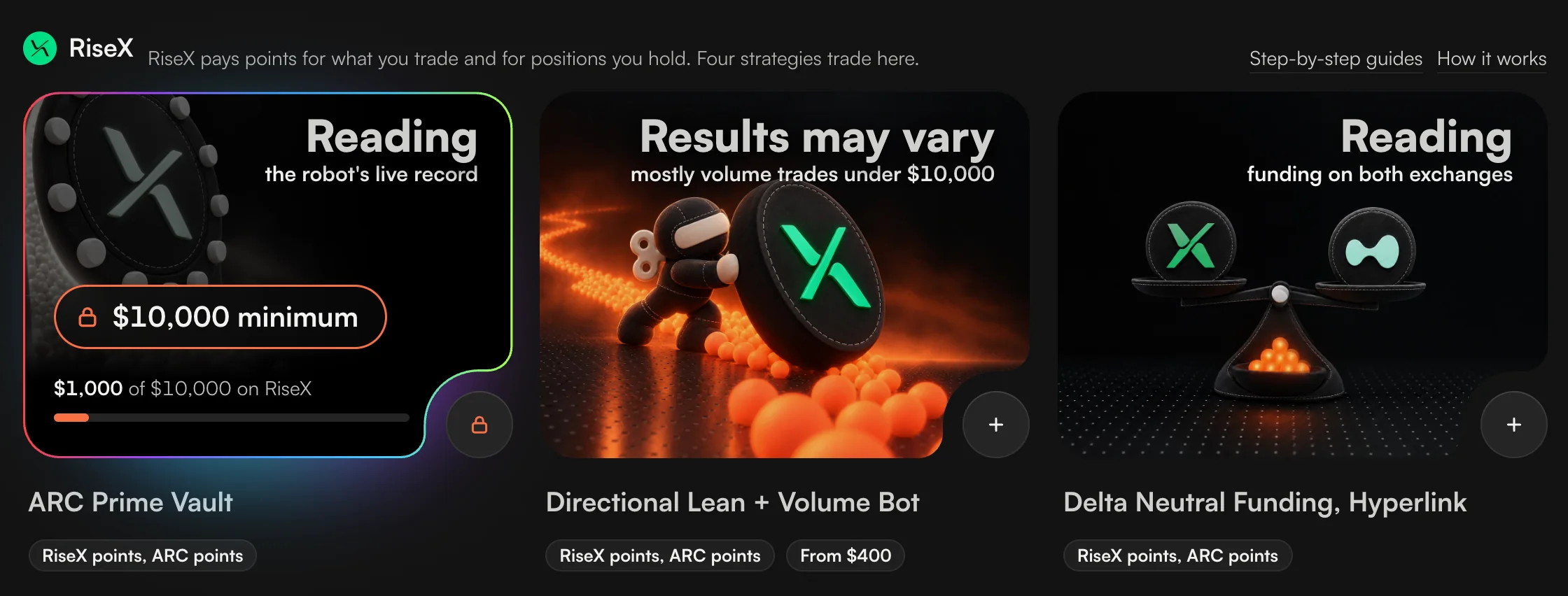
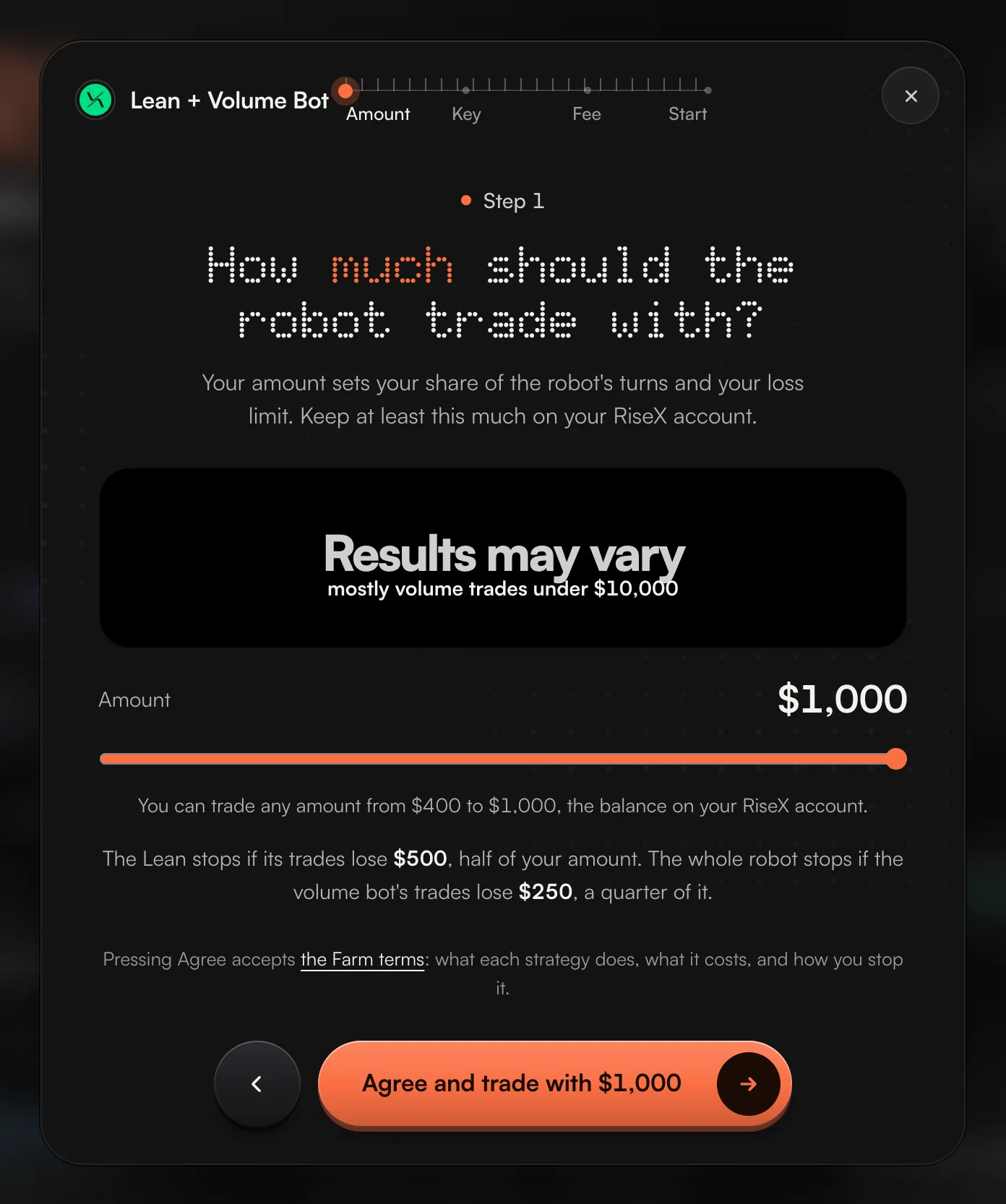
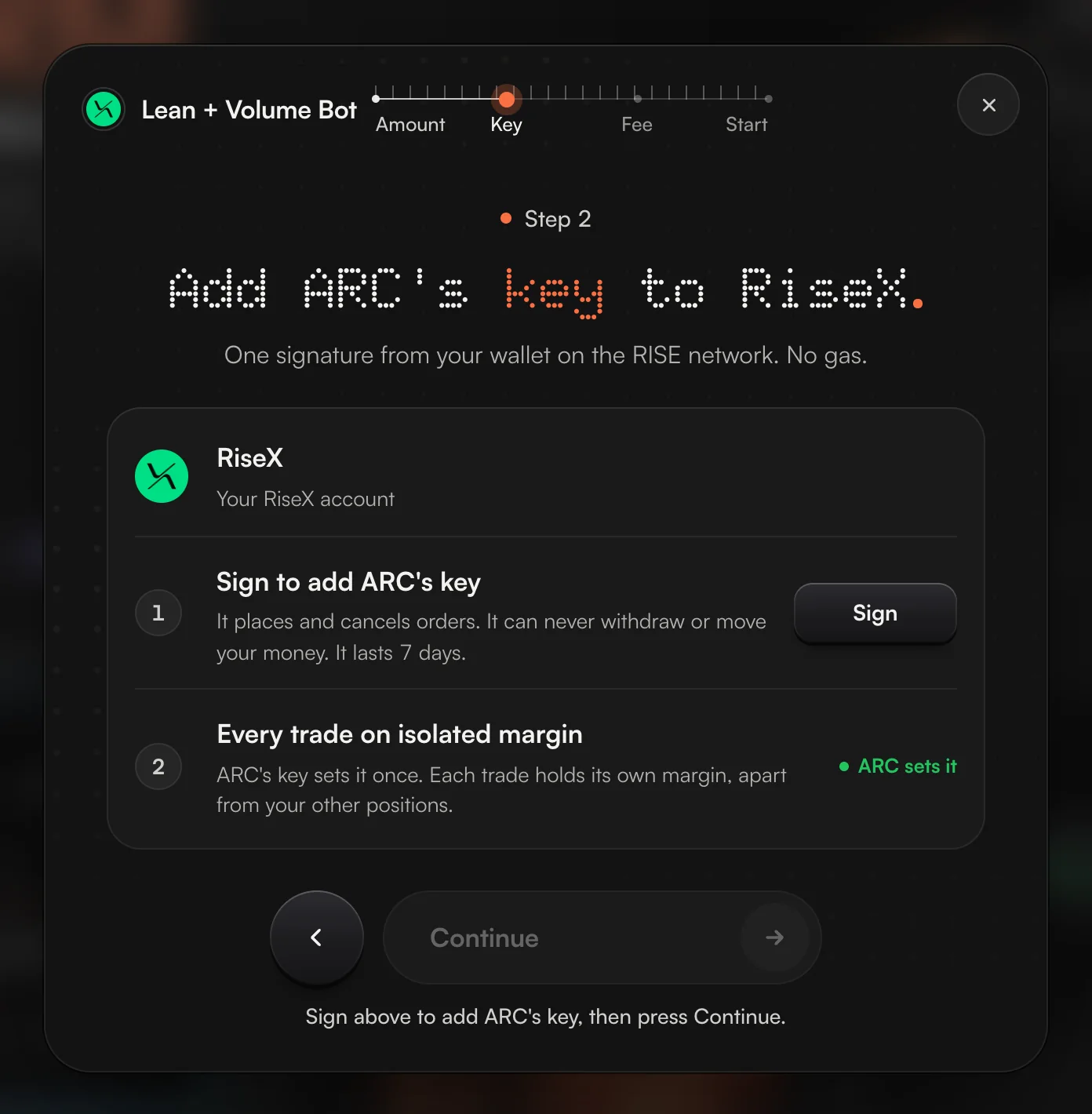
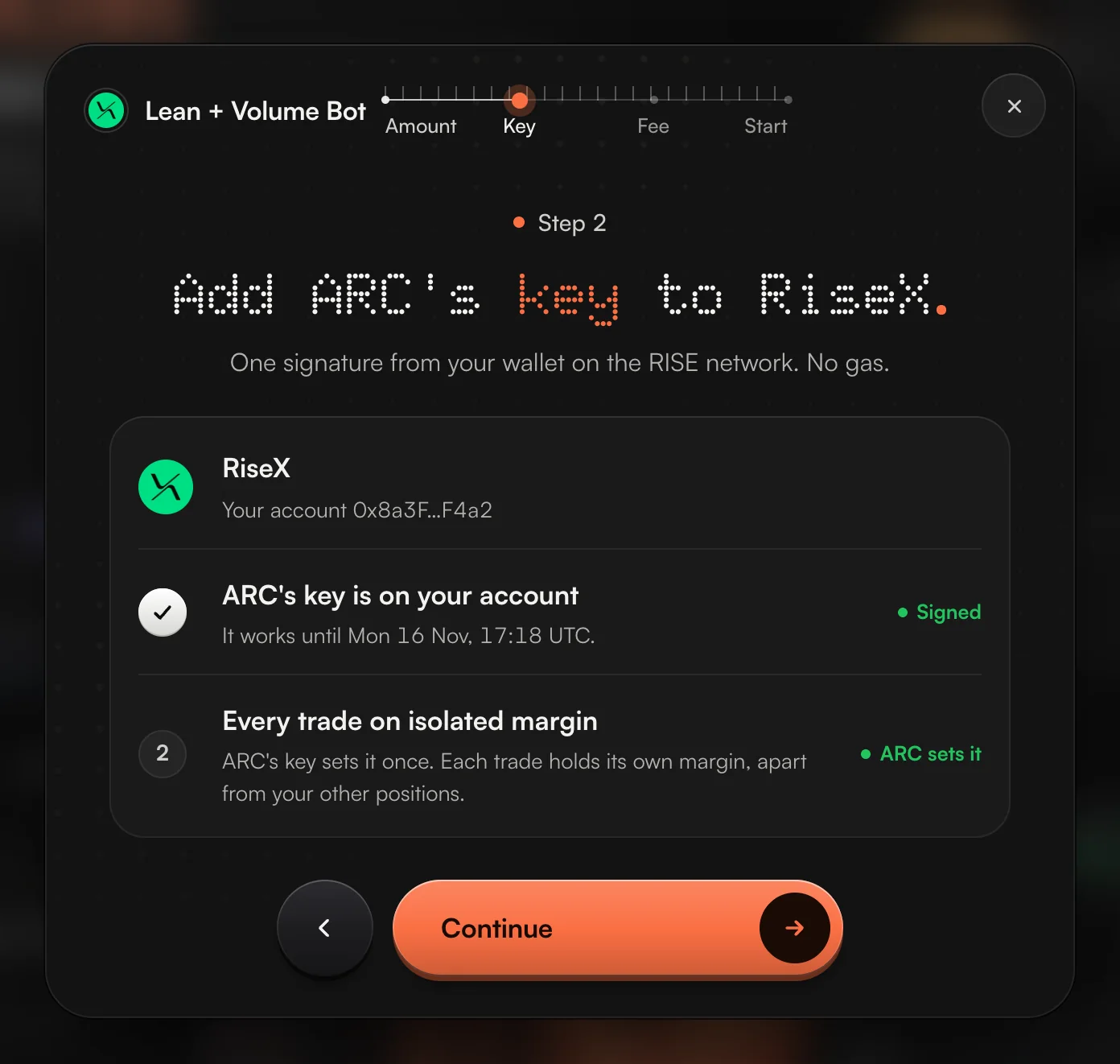
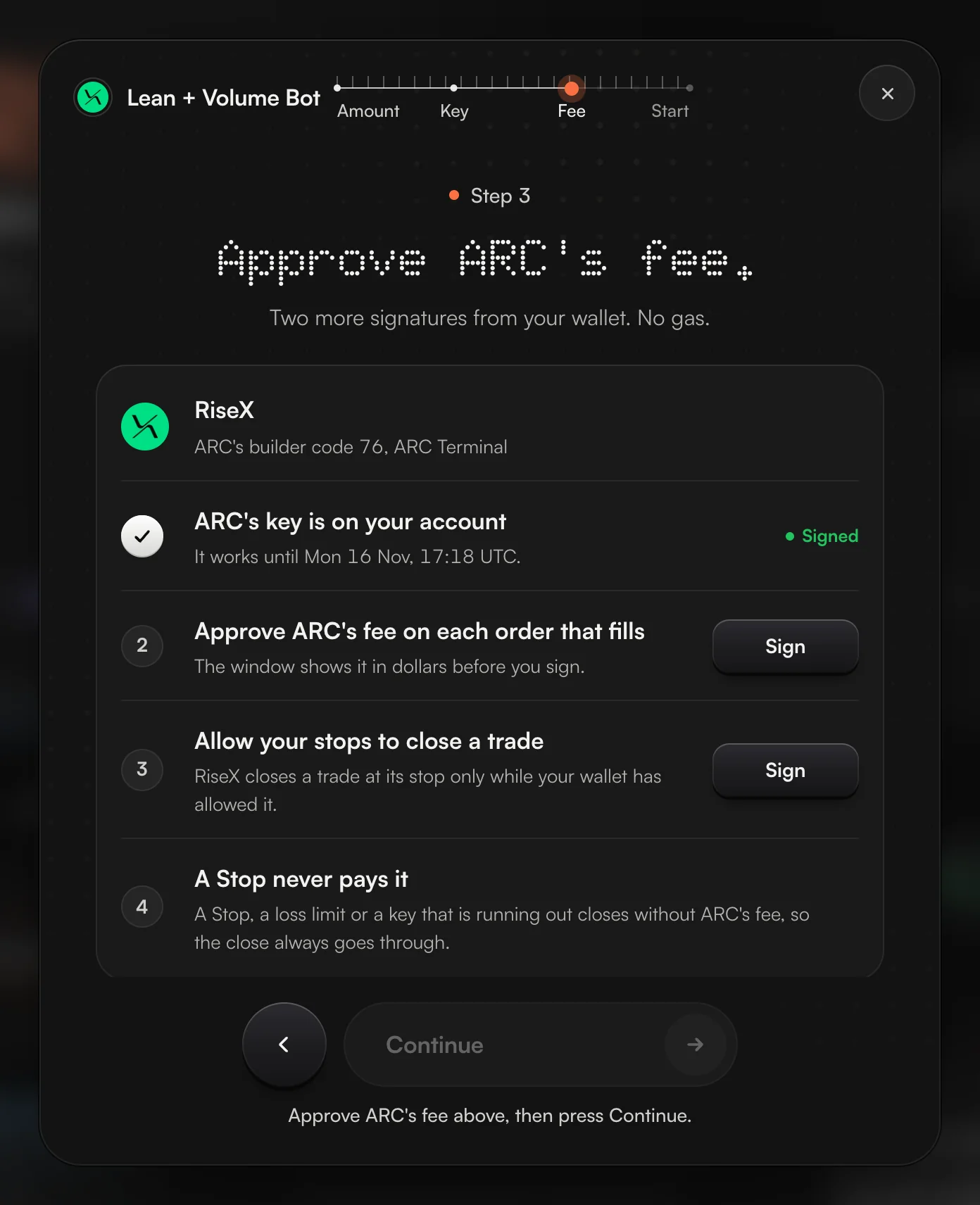
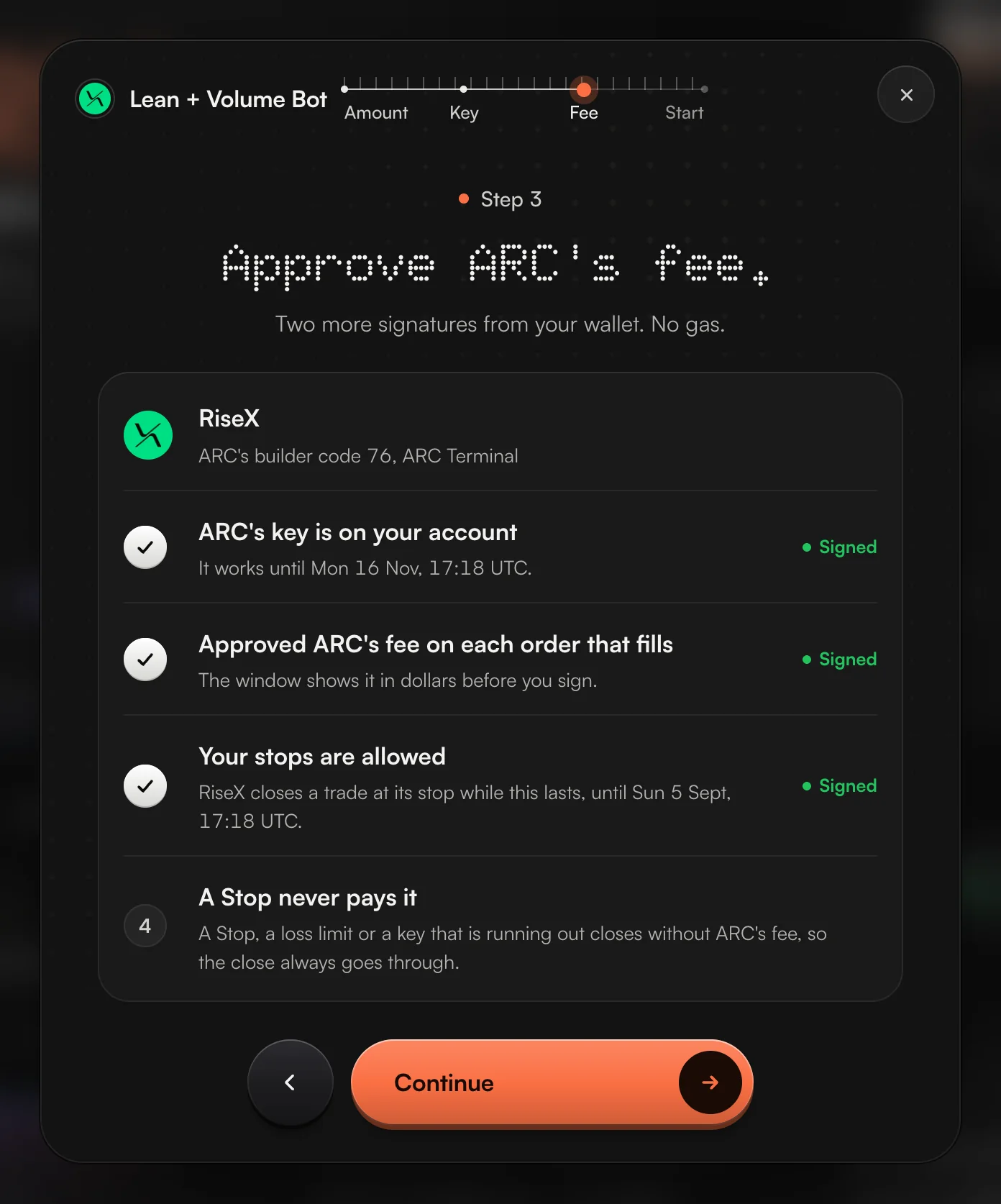
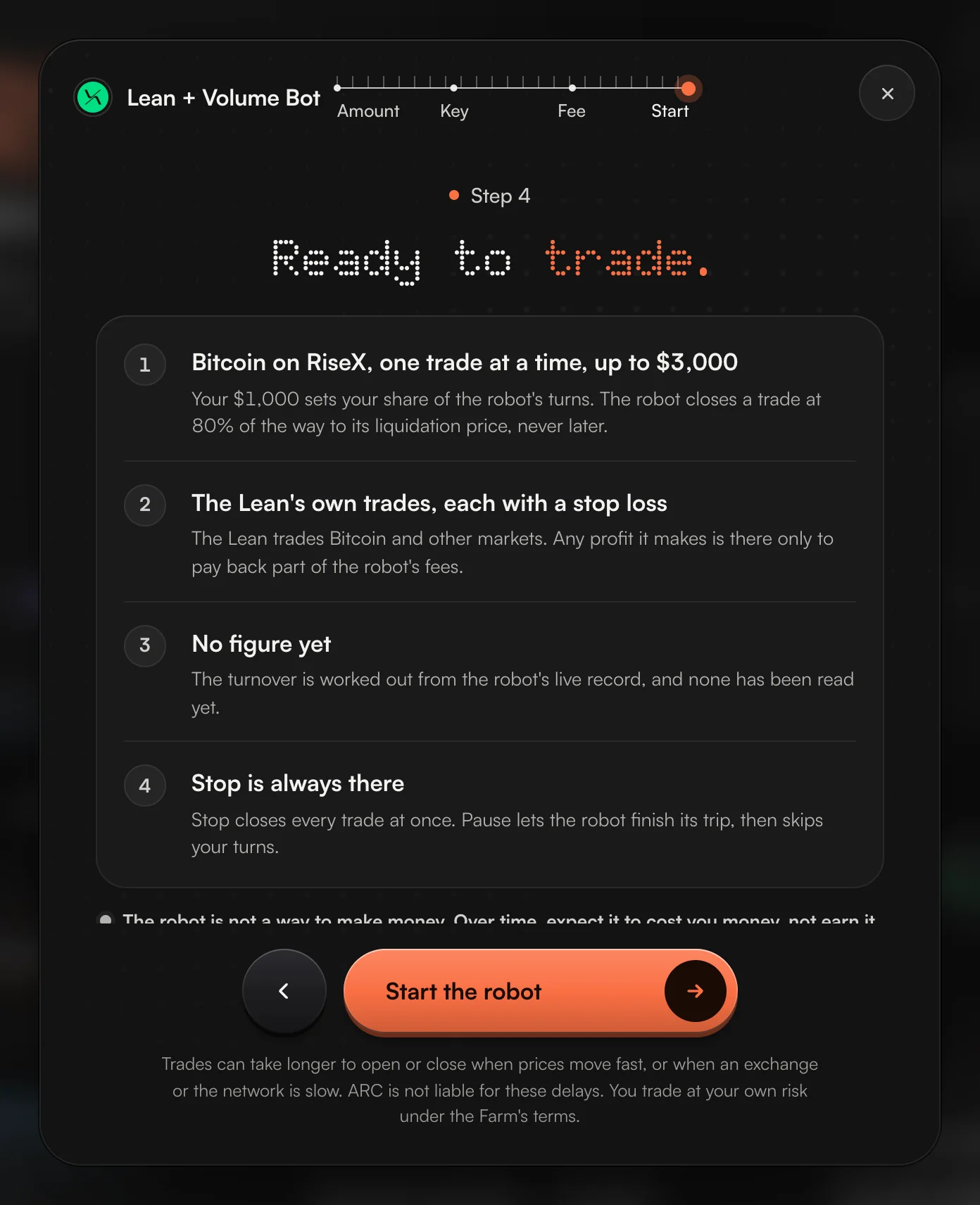
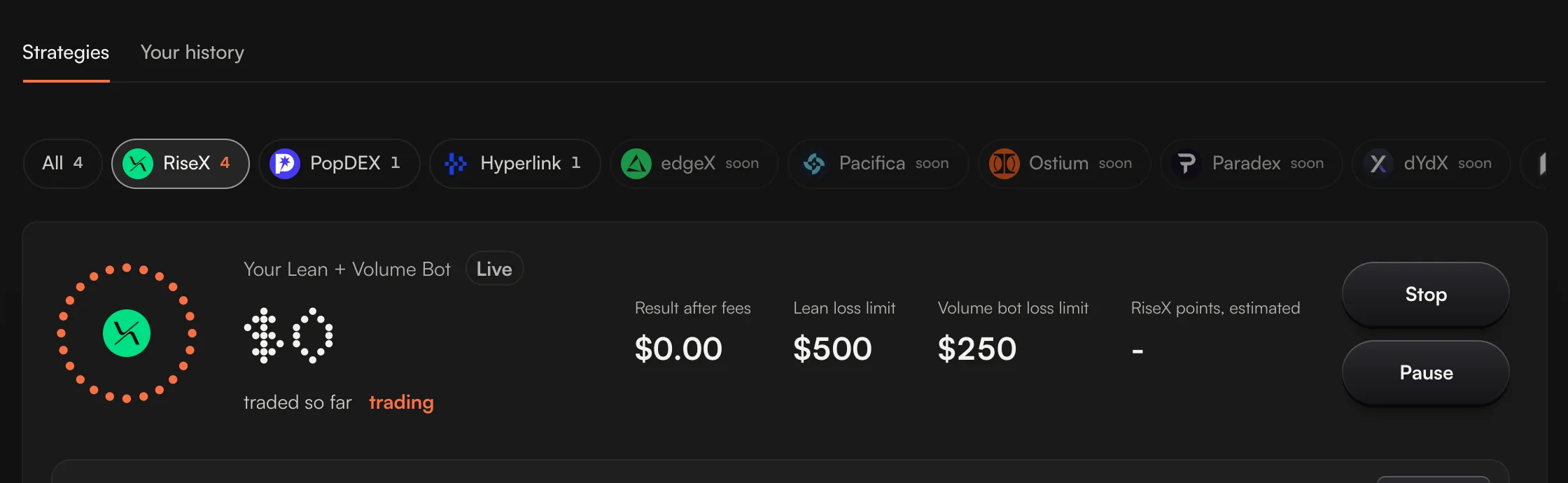
These are ARC's own windows, filled with example amounts. Yours show your own.
The steps in words
- AmountSlide to how much the robot trades with: $400 to $5,000, and no more than your RiseX account holds. The first time, the key reads Agree and trade with $X: that press accepts the Farm terms, once.
- KeyPress Sign. ARC's key goes on your RiseX account for 7 days. It places and cancels orders and can never withdraw.
- FeePress Sign on ARC's fee, then on your stops. The window shows ARC's fee in dollars before you sign it.
- StartRead the plan and press Start the robot.
What the robot does on your account
- It trades Bitcoin on RiseX, one trade at a time, up to three times your amount. Every trade is on isolated margin.
- The Lean also makes its own trades, each with a stop loss. Any profit from them pays back part of the robot's fees, never all of them.
- It costs fees to run, RiseX's and ARC's. Over time, expect it to cost you money, not earn it. What you get is the volume, and RiseX pays points for volume, fees and open positions. RiseX does not say how many.
- Two loss limits, in dollars, before you start. The Lean stops if its trades lose half your amount. The whole robot stops if the volume bot's trades lose a quarter of it.
- Bitcoin is the robot's on that account while it runs. The Bitcoin row on Perps is greyed out so your own trade doesn't net against the robot's. How to take Bitcoin back
ARC Prime Vault: the same steps, at $10,000
The ARC Prime Vault is the same robot, trading $10,000. Its window has the same four steps. The amount is fixed, so the first step has no slider: keep $10,000 on your RiseX account and press the key.
With less than $10,000 on RiseX, the first key reads Pick Lean + Volume Bot and takes you to the robot instead.
Two traders, start to finish
Dev has $600 on RiseX and wants the robot on all of it.
Dev slides the amount to $600, the top it allows, and presses Agree and trade with $600. Then one signature for the key, two for the fee and the stops, and Start the robot. About two minutes.
Eli started the robot with $1,000 and paused it at $820.
The $400 least is for a first start only. Eli can carry on with the $820 RiseX now holds. The amount shrinks to the balance, and the loss limits shrink with it.
The names are examples. Stopping, taking money out and fixes are in Guide 4.